
Web Search
Web Search gives agents and applications a project-scoped search capability over pluggable engines. Operators create instances under Data → Web Search — an instance is a named search engine (Bing, Brave, Serper, Tavily, self-hosted SearxNG, or keyless DuckDuckGo) with its own credentials, defaults, playground, usage stats and per-instance search logs. A project can hold several instances, e.g. a keyless DuckDuckGo for development next to a Brave instance for production traffic.
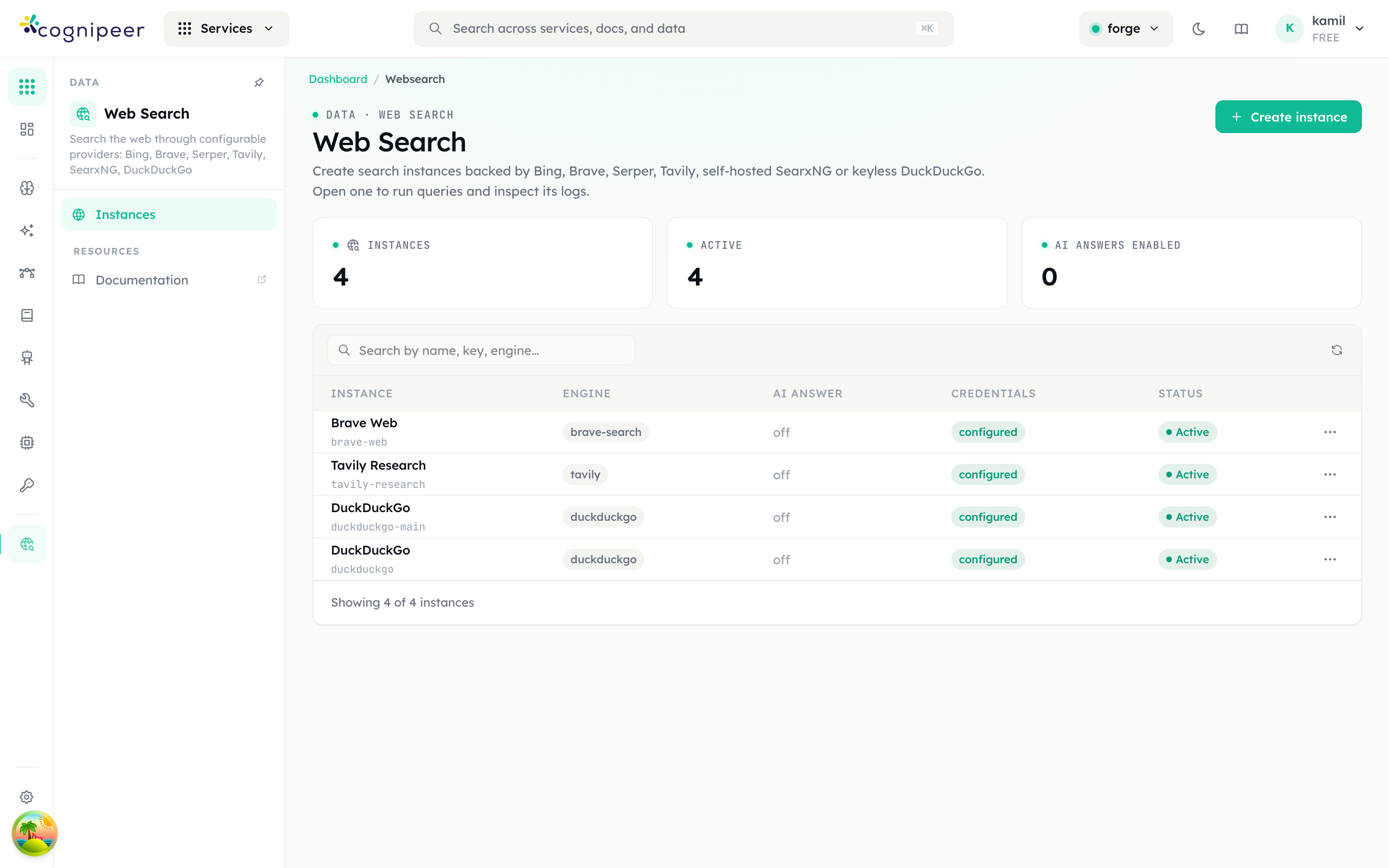
The landing page tracks instance counts, active status and how many instances have AI answers enabled. Rows link to the instance detail page.
Engines
| Driver | Type | Credentials | Notes |
|---|---|---|---|
bing | Commercial | API key | Bing Web Search API v7; Azure regional endpoint override, market (mkt) setting |
brave-search | Commercial | API key | Brave's independent index; country + language settings |
serper | Commercial | API key | Google SERP via serper.dev; organic results + answer box |
tavily | Commercial | API key | LLM-optimized search; searchDepth, provider-native answers |
searxng | Open source, self-hosted | optional HTTP basic auth | Point at your instance's base URL (JSON format must be enabled); engine list configurable. Outbound requests go through the SSRF guard |
duckduckgo | Keyless | none | Best-effort parse of the DuckDuckGo HTML endpoint; suitable for light usage |
All engines share common settings (language, country/market, safe search) and normalize results to one shape: title / url / snippet / position plus publishedAt, source and score where available.
Creating an instance
Create instance opens the service picker filtered to web search engines; the driver's form schema (API key, base URL, safe search, …) renders dynamically. Credentials are encrypted at rest and never returned to the UI.
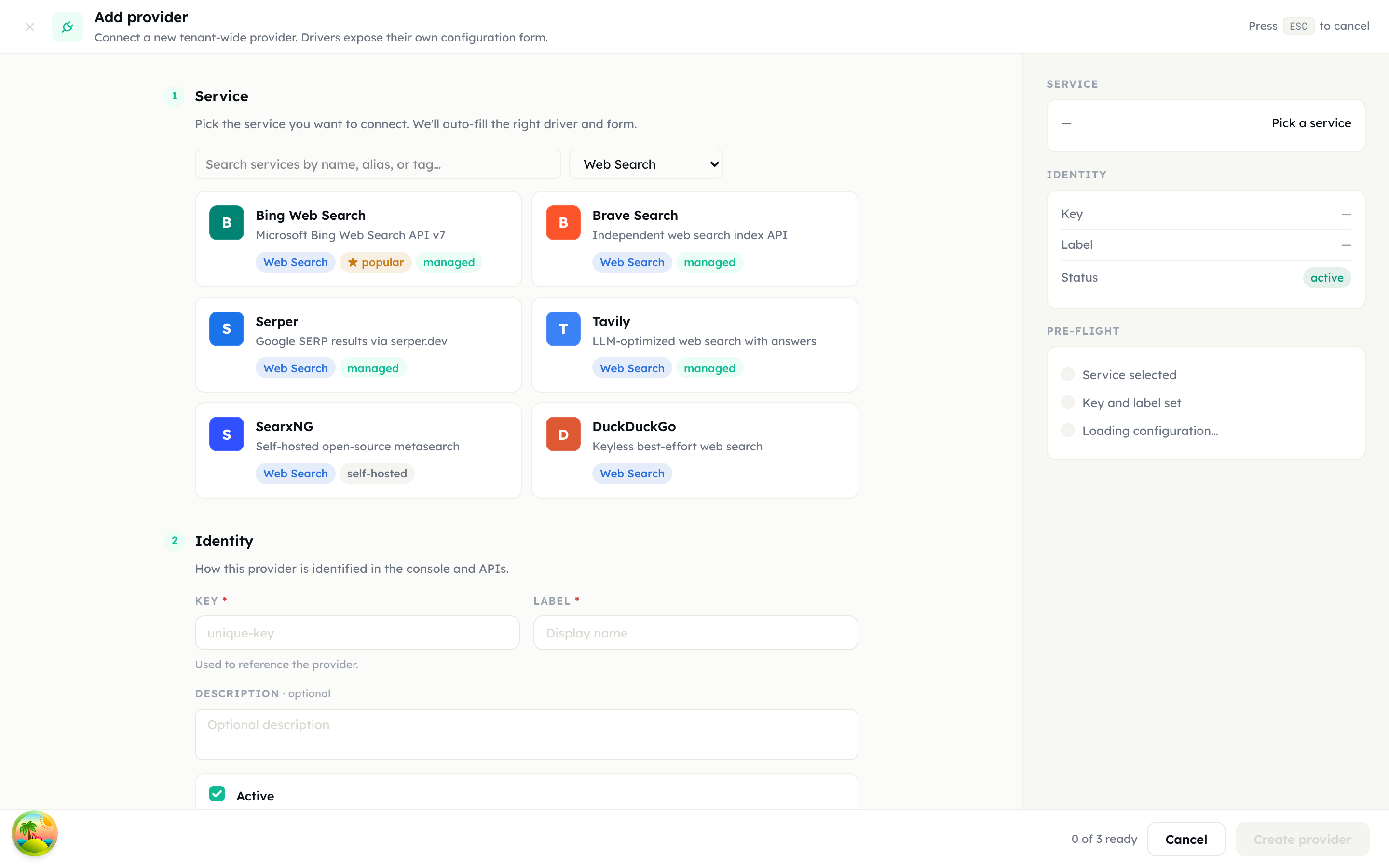
Instances are strictly project-scoped: they are created in the active project and are not visible from other projects.
Instance detail
The detail page follows the standard tabbed layout:
Playground
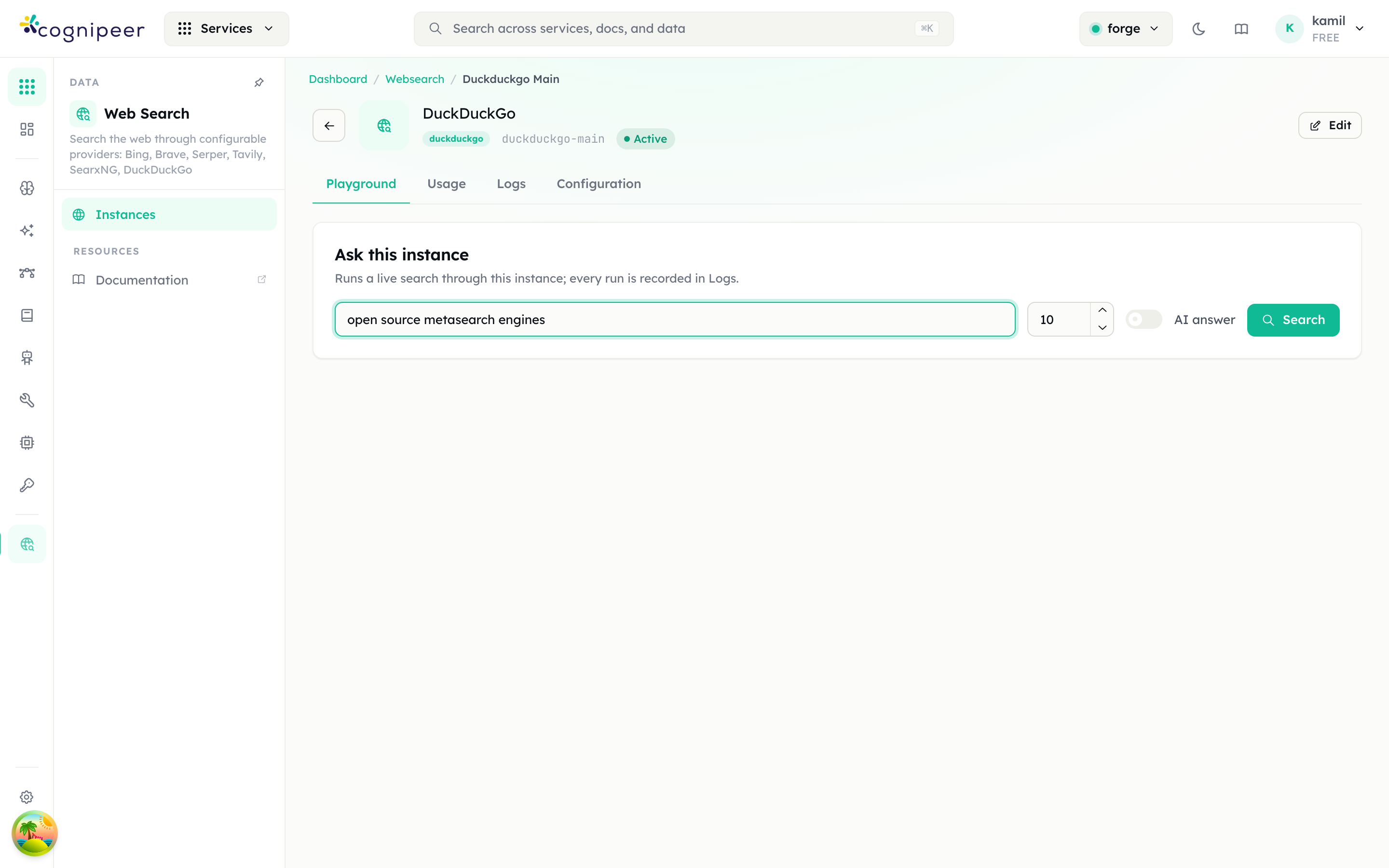
Run live queries through the instance; every run — from the API or this page — is recorded in Logs. The AI answer switch requests an AI interpretation of the results (see below).
Usage
Aggregates recent runs into search counts, success rate, error count, and average / p95 latency, plus a breakdown by caller source (api vs dashboard) and AI-answered searches.
Logs
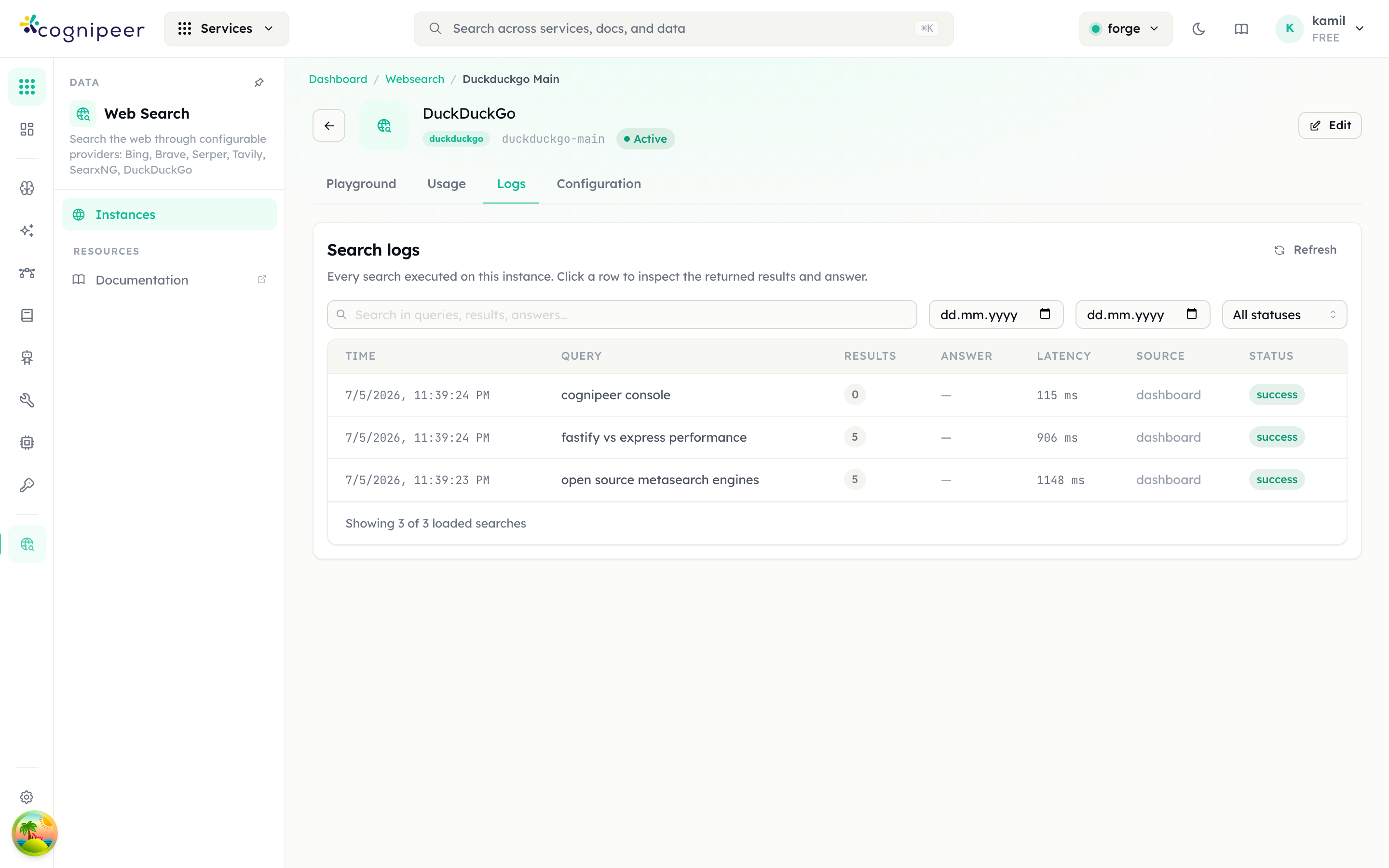
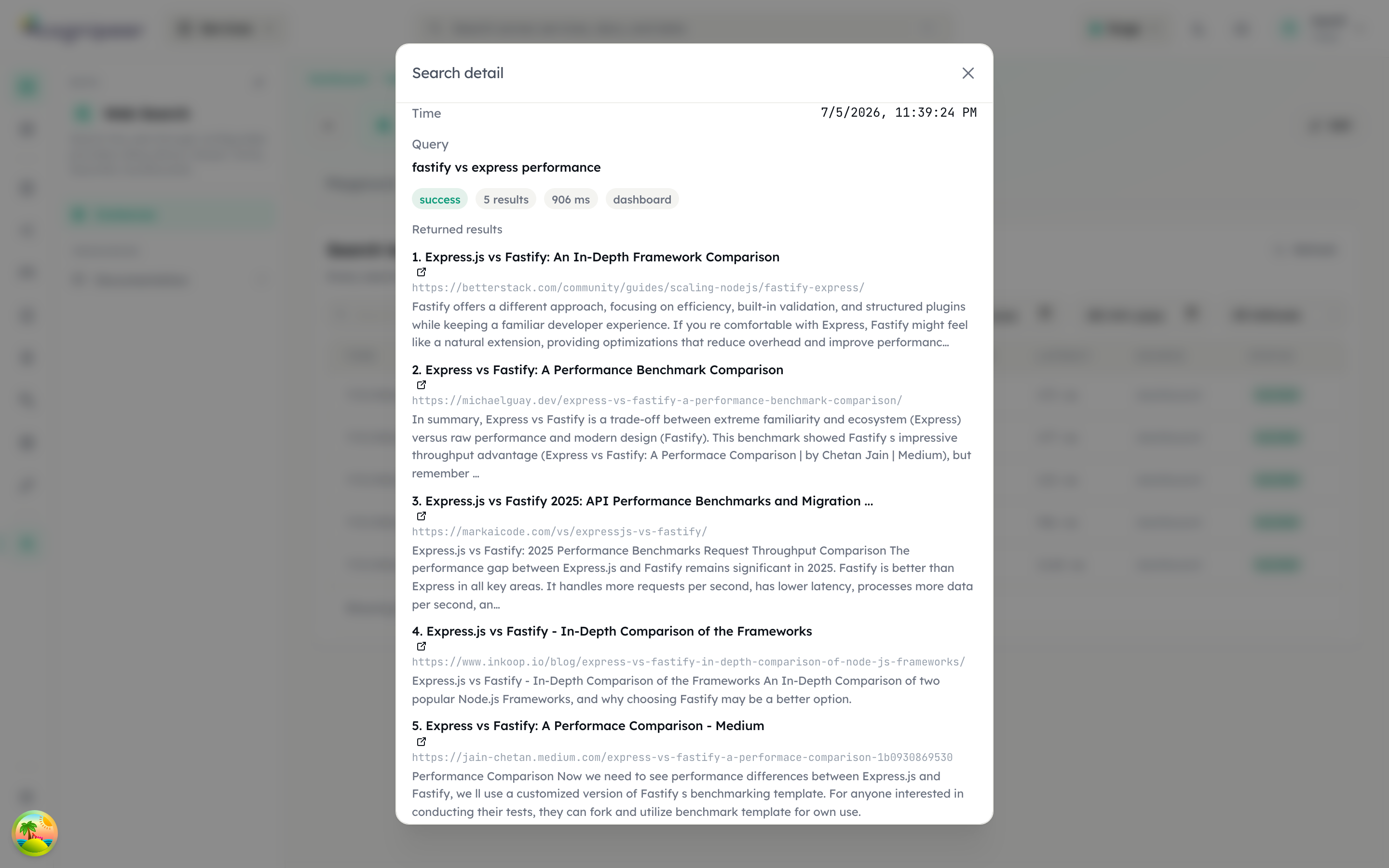
Every search with its query, result count, latency, source and status. Filter by free text (queries, results and answers are searched), date range, and status. Clicking a row opens the full detail — the returned results and the synthesized answer are stored with each log entry.
Configuration
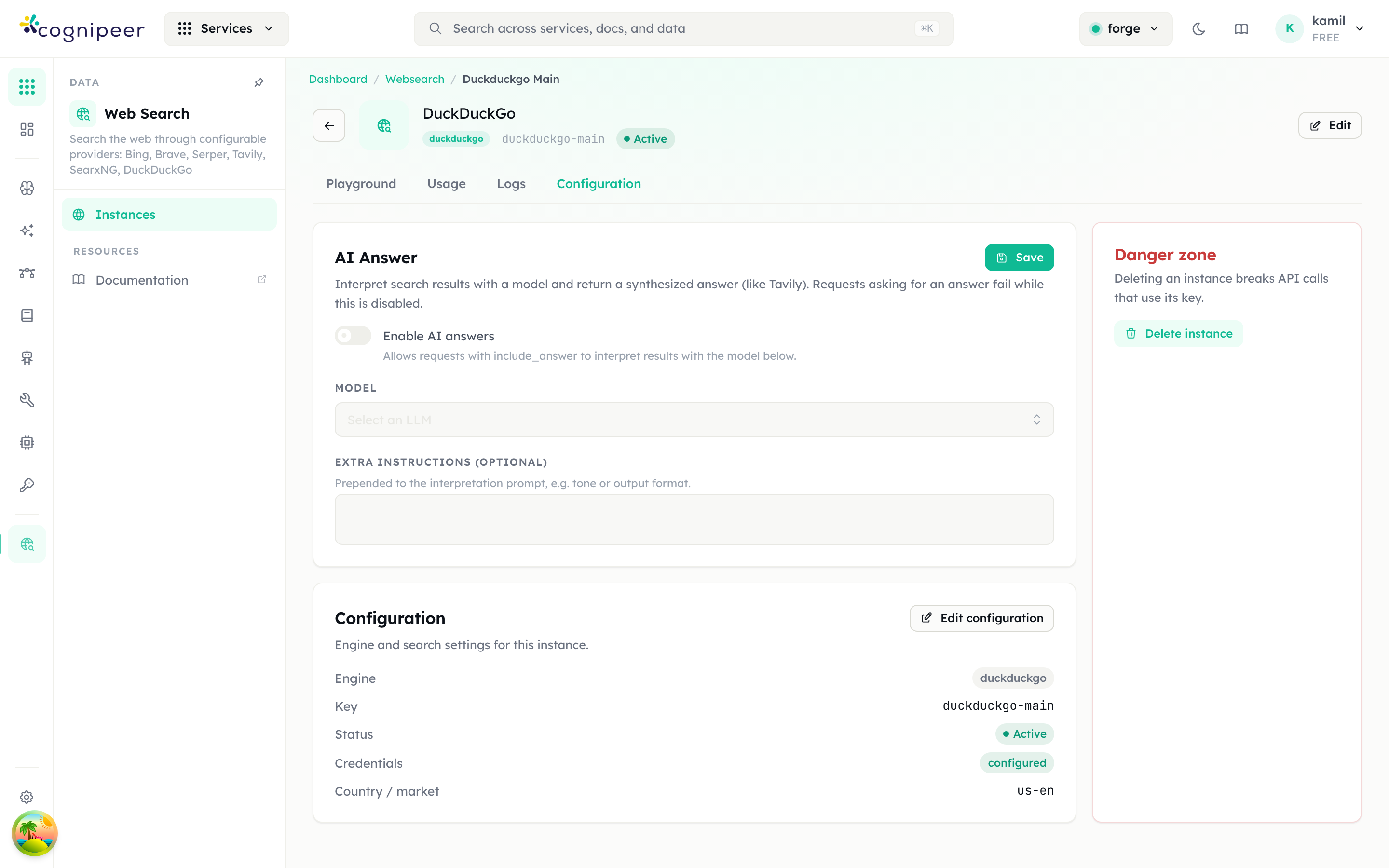
Shows the engine settings summary (edit re-opens the driver form) and hosts the AI Answer card and the danger zone.
AI answers
Like Tavily's synthesized answers, any instance can interpret its search results with a model. Enable it per instance under Configuration → AI Answer: toggle the switch, pick an LLM from the project's Model Hub, and optionally add extra instructions (tone, output format).
Requests then opt in per call with include_answer: true; the top results are handed to the model, which answers the query citing result numbers ([1], [2]). The response carries answer and answer_model.
If a request asks for an answer while the instance has AI answers disabled (or no model selected), the request fails with a clear error before the search provider is called.
API
Token-authenticated endpoints live under /api/client/v1/websearch/*:
# Search on a named instance
curl -X POST https://console.example.com/api/client/v1/websearch/brave-main/search \
  -H "Authorization: Bearer $TOKEN" \
  -H "Content-Type: application/json" \
  -d '{ "query": "fastify v5 changes", "count": 5, "include_answer": true }'
When the project has exactly one active instance the generic endpoint may omit the instance key; with multiple instances the request must name one (via the provider field or the /:key/search path).
See the Web Search API reference and the Console SDK (client.webSearch.search(...), client.webSearch.searchWith(key, ...)).
Access control
Web Search is a first-class RBAC service (websearch): grant read for listing/logs and write for creating instances and running searches. Instance credentials are stored on the shared provider record infrastructure (AES-256-GCM, tenant-scoped).