
Browser Automation
The Browser module wraps Playwright behind a managed surface: reusable browser profiles, ephemeral sessions that own a real Chromium tab, and a per-browser MCP endpoint so agents (and any MCP-aware client) can drive the same toolset.
It replaces the previous standalone "Browser Agent" feature. Console-managed agents now browse by attaching the Browser Use system tool to a project agent; everything else (external runtimes, custom orchestrators) talks to the browser session API or per-browser MCP directly.
Operators manage browsers under Operate → Browser.
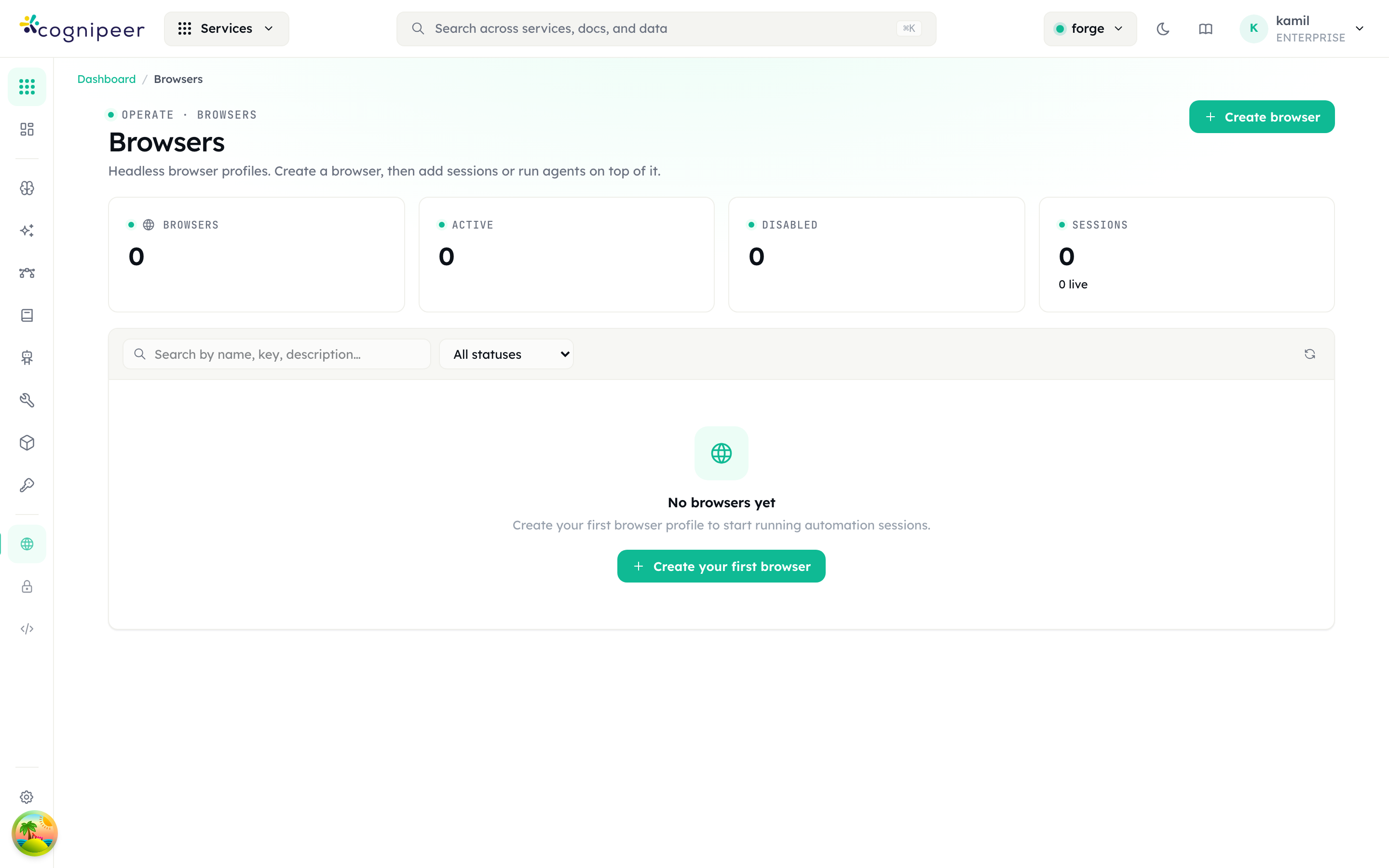
The landing page lists browser profiles with their active/disabled and live-session counts. From a new tenant it shows the empty state above — Create browser registers the first profile, after which sessions and per-browser MCP endpoints become available.
Concepts
- Browser profile — long-lived container with defaults for session config, the artifact bucket where screenshots/PDFs land, and a default model (used by extract/LLM-driven actions). Persisted in
browsers. - Session — a live Playwright context. Created from a profile, carries its own status (
starting | ready | closed | error), receives actions, and records every event (navigation, click, extract, screenshot) tobrowser_session_events. Auto-closes afteridleTimeoutMs. - Action — a single operation against a session:
goto,click,hover,type,press,wait,snapshot,extract,screenshot,close. The full schema lives inbrowserActionSchema. - Extract — selector + mode (
text | html | attribute) optionally piped through the profile's default model for structured extraction. - Artifacts — screenshots and PDFs are stored in the configured file bucket; the response carries the bucket key.
Quick start
# 1. Create a profile (one-time)
curl -X POST /api/browser/browsers \
  -d '{
    "name": "research-browser",
    "defaultSessionConfig": { "headless": true, "viewport": { "width": 1440, "height": 900 }, "idleTimeoutMs": 120000 }
  }'

# 2. Open a session
curl -X POST /api/browser/sessions \
  -d '{ "browserId": "brw_…", "name": "akbank-research" }'

# 3. Drive it
curl -X POST /api/browser/sessions/<sessionKey>/actions \
  -d '{ "type": "goto", "url": "https://www.akbank.com", "waitUntil": "networkidle" }'

curl -X POST /api/browser/sessions/<sessionKey>/extract \
  -d '{ "selector": "h1", "mode": "text", "multiple": true }'

# 4. Capture artifacts
curl -X POST /api/browser/sessions/<sessionKey>/screenshot \
  -d '{ "fullPage": true }'

curl -X DELETE /api/browser/sessions/<sessionKey>
The live screenshot endpoint (GET …/screenshot/live) returns an inline PNG/JPEG with cache-control: no-store — use it to drive a preview pane in the dashboard.
Per-browser MCP
Every profile exposes its own MCP server at /api/client/v1/browser/:browserKey/mcp/*. The toolset mirrors the action API but follows the Model Context Protocol:
browser_navigate · browser_click · browser_hover · browser_type ·
browser_press · browser_wait · browser_snapshot · browser_extract ·
browser_screenshot · browser_close
Open the SSE stream first:
GET /api/client/v1/browser/:browserKey/mcp/sseThe response carries an X-Mcp-Session-Id header and an endpoint SSE event with the message URL. Subsequent calls go to:
POST /api/client/v1/browser/:browserKey/mcp/message?sessionId=<id>…with the standard JSON-RPC payload (initialize, tools/list, tools/call, etc.). This is what the Browser Use system tool uses under the hood, so any MCP-compatible agent runtime can connect the same way.
Sessions in the dashboard
/dashboard/browser/[browserId] shows the profile config, recent sessions, and aggregate counters. /dashboard/browser/[browserId]/sessions lists every session for the profile with filterable status and a quick deep-link to event history and stored artifacts.
Distributed execution
Browser is one of the entity types the Cluster layer can pin to a specific node. The browserConsumer registers a queue handler; when a profile is assigned to a node, all of its sessions and actions route through that node's queue. This matters when only some nodes have a real browser binary installed.
Concurrency
Each profile has a concurrency ceiling defined by its defaultSessionConfig and the worker pool in browserManager.ts. When the ceiling is hit, new createSession calls are queued — the session starts as soon as a slot frees.
See the Browser API reference for the full endpoint list.