
Multi-Tenancy
Cognipeer Console is a fully multi-tenant platform with complete data isolation per company. Each tenant gets a dedicated database — either a separate SQLite file (default) or a separate MongoDB database.
Database Backends
SQLite (default)
Each tenant gets its own .sqlite file. No external services required:
data/
├── console_main.sqlite       ← Shared database
│   ├── tenants               ← Tenant registry
│   └── tenant_user_directory ← Cross-tenant email lookup
├── tenant_acme.sqlite        ← Tenant "acme"
│   ├── users
│   ├── api_tokens
│   ├── models
│   ├── providers
│   ├── vector_indexes
│   ├── guardrails
│   ├── prompts
│   ├── memory_stores
│   ├── rag_modules
│   └── ...
└── tenant_globex.sqlite      ← Tenant "globex"
Enable with: DB_PROVIDER=sqlite (default — no env var needed).
MongoDB
MongoDB Server
├── console_main              ← Shared/Main database
│   ├── tenants               ← Tenant registry
│   └── tenant_user_directory ← Cross-tenant email lookup
├── tenant_acme               ← Tenant "acme" database
│   ├── users
│   ├── api_tokens
│   ├── models
│   ├── providers
│   ├── vector_indexes
│   ├── guardrails
│   ├── prompts
│   ├── memory_stores
│   ├── rag_modules
│   └── ...
├── tenant_globex             ← Tenant "globex" database
│   └── ...
└── ...
Enable with: DB_PROVIDER=mongodb and set MONGODB_URI.
Note: The database abstraction layer ensures all application code works identically with both backends. Switch by changing a single environment variable.
Tenant Model
Each tenant has:
| Field | Description |
|---|---|
companyName | Display name |
slug | URL-friendly identifier (unique) |
dbName | Database name (tenant_{slug}) |
licenseType | Active license tier |
ownerId | Owner user ID |
Projects & Members
Inside a tenant, work is scoped into projects and access is granted to members. Both are managed from the dashboard.
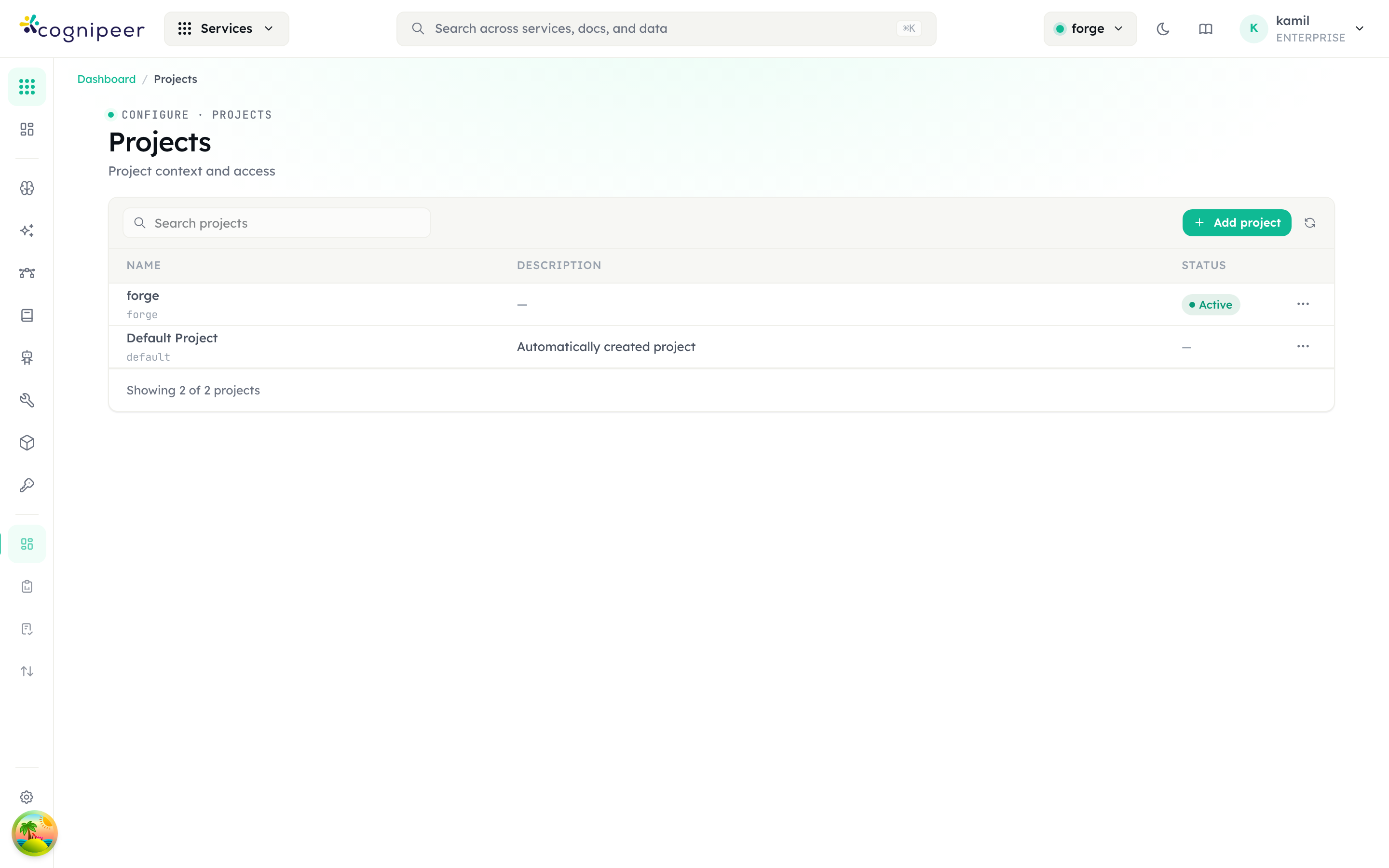
Projects (Configure → Projects) carry the active-project context that every feature reads — switching the header project pill changes the scope of models, vector stores, agents, and usage:
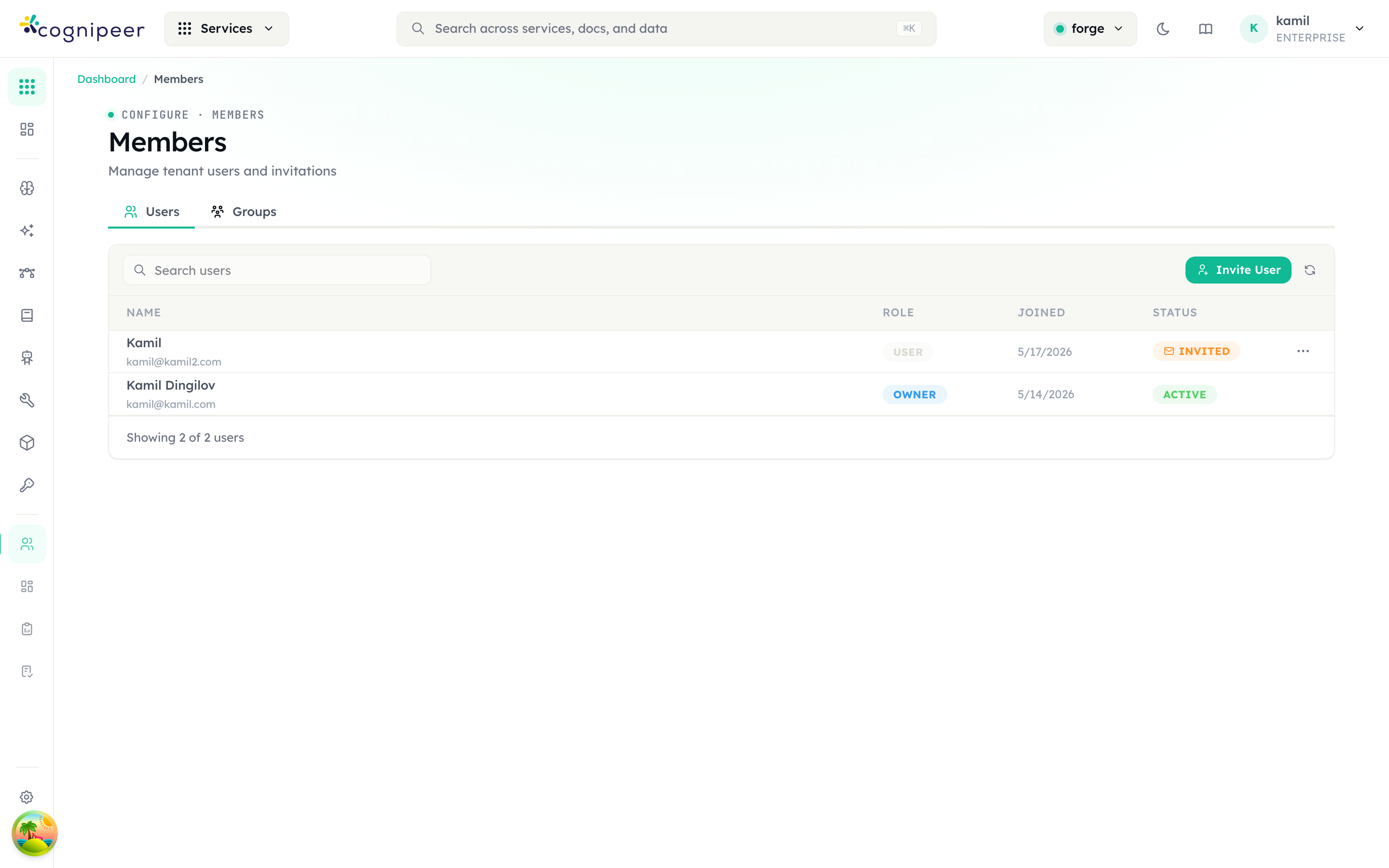
Members (Configure → Members) lists the tenant's users and pending invitations, each with a role (owner, user, …) and status (active, invited). The Groups tab manages group-based tenant/project grants:
Database Abstraction
All database access goes through the abstraction layer — never import MongoDB directly:
import { getDatabase, getTenantDatabase } from '@/lib/database';

// Main database (tenant registry)
const db = await getDatabase();
const tenant = await db.findTenantBySlug('acme');

// Tenant database (user data, configs, etc.)
const tenantDb = await getTenantDatabase('tenant_acme');
const users = await tenantDb.listUsers();
switchToTenant Pattern
const db = await getDatabase();
await db.switchToTenant(`tenant_${slug}`);
// All subsequent queries are scoped to this tenant
const user = await db.findUserByEmail(email);
Tenant Context in Routes
Middleware injects tenant identity into request headers:
| Header | Description |
|---|---|
x-tenant-id | Tenant ObjectId |
x-tenant-slug | Tenant slug |
x-tenant-db-name | Full database name (tenant_acme) |
Dashboard Routes
export const GET = withRequestContext(async (request) => {
  const tenantDbName = request.headers.get('x-tenant-db-name')!;
  const tenantId = request.headers.get('x-tenant-id')!;

  // All queries scoped to this tenant
  const db = await getTenantDatabase(tenantDbName);
  const models = await db.listModels();

  return NextResponse.json({ data: models });
});
Client API Routes
export async function POST(request: NextRequest) {
  const ctx = await requireApiToken(request);
  // ctx.tenantDbName, ctx.tenantId, ctx.tenantSlug — all available
  // Database already switched to tenant
}
Tenant Creation
When a user registers, the system:
- Creates a tenant record in
console_main.tenants - Creates a new database
tenant_{slug} - Creates the user as owner in the tenant database
- Initializes default collections and indexes
- Generates a JWT with tenant info embedded
Security Rules
- Never create query patterns that can return cross-tenant data
- Always call
switchToTenant()before user/token operations - Use middleware-injected headers as the source of truth for tenant identity
- Never trust client-supplied tenant identifiers without verification